Cybersecurity in emergencies
During crises, cyberattacks increase. Protecting your data and accounts is part of emergency preparedness.
During crises, cyberattacks increase
Phishing emails, fake donation websites and scams exploit the urgency and chaos of emergencies. Criminals know that people are distracted and desperate for information. Protecting your digital life is as important as protecting your physical safety.
Before the emergency
3-2-1 backups
- 3 copies of your important data
- 2 different media (e.g. external hard drive + cloud)
- 1 copy off-site (cloud storage or at a relative's home)
- Test your backups regularly to make sure you can actually restore them
- Include: photos, documents, financial records, medical records
Passwords and authentication
- Use a password manager (Bitwarden, KeePass, 1Password) to generate and store unique passwords
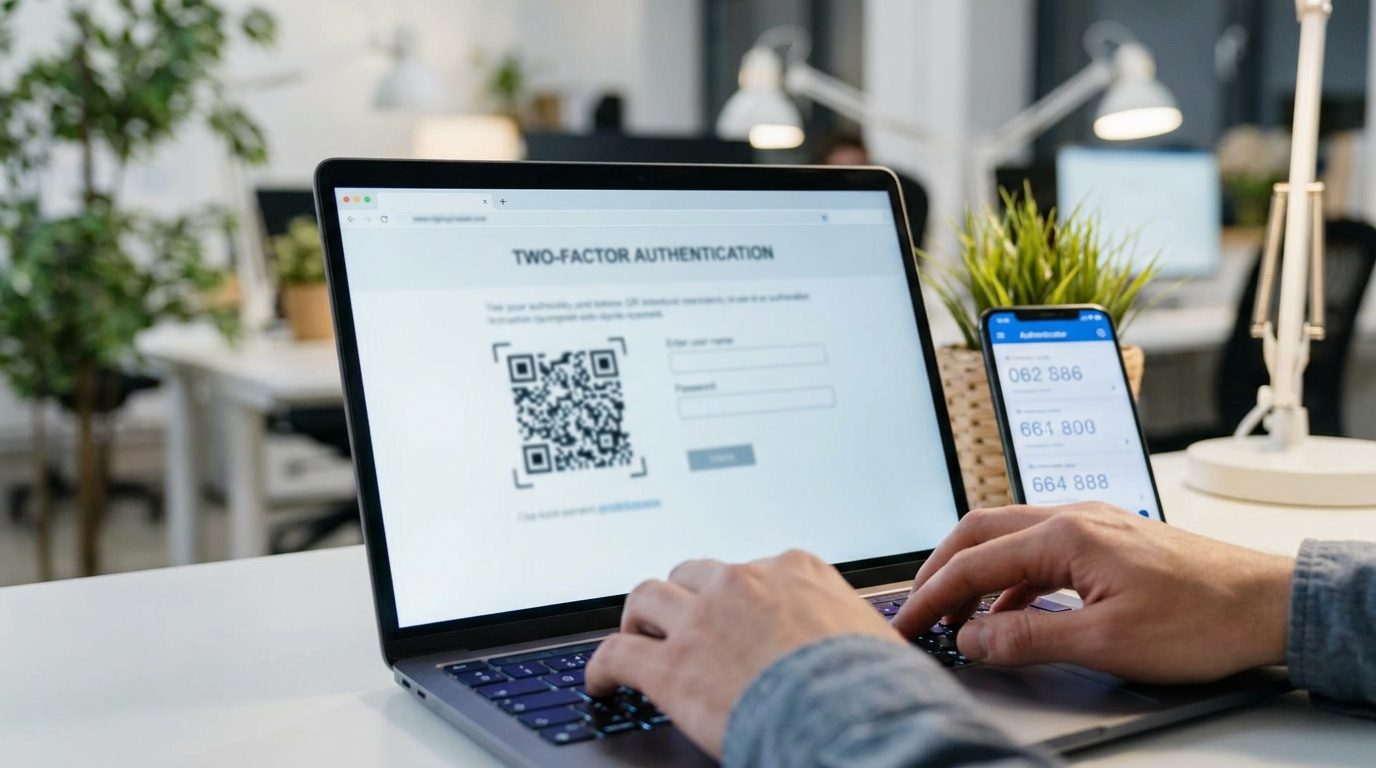
- Enable two-factor authentication (2FA) on all critical accounts: email, banking, social media
- Avoid SMS-based 2FA when possible. Use an authenticator app (Authy, Google Authenticator) instead
- Write down your master password and store it in a safe, fireproof location
Software and devices
- Keep all devices updated: operating systems, browsers, apps
- Enable automatic updates whenever possible
- Create an offline account list: print a list of your critical accounts (email, bank, insurance) and store it with your important documents
- Set up device tracking: enable Find My iPhone/Android in case devices are lost during evacuation
During the emergency
Public Wi-Fi and connectivity
- Public Wi-Fi is not secure. Avoid accessing banking or email on open networks
- Use a VPN if you must use public Wi-Fi during an emergency
- Turn off auto-connect to prevent your device from joining unknown networks
- Use mobile data for sensitive operations when possible
- Disable Bluetooth and file sharing when not in use
Phishing and scams
- Crisis phishing: expect fake emails and messages claiming to be from authorities, charities or aid organisations
- Do not click links in unsolicited messages, even if they appear official
- Verify donation URLs: go directly to the charity's official website rather than clicking a link
- Be wary of urgent requests for personal information or money
- Keep cash at home: if digital payment systems go down, cash is your fallback. See our financial preparedness guide
After the emergency
Account recovery
- Change passwords on any account you accessed from a shared or public device
- Review account activity: check login history on email, social media and banking
- Check bank statements carefully for unauthorised transactions
- Revoke access for any apps or sessions you don't recognise
Report fraud
- Report phishing or scams to the authorities immediately
- Contact your bank if you suspect financial fraud
- File a complaint with PSP or GNR for cybercrime
- Report to CNCS (National Cybersecurity Centre) for serious incidents
Quick checklist
- Password manager installed and master password backed up
- 2FA enabled on email, banking and social media
- 3-2-1 backup strategy in place and tested
- All devices and software up to date
- Offline list of critical accounts printed and stored
- Cash reserve at home for digital payment outages
- VPN installed on phone and laptop
Resources
- National Cybersecurity Centre (CNCS): cncs.gov.pt
- CERT.PT: Portuguese national computer emergency response team
- Safe Internet Helpline: 800 21 90 90 (free call)
- PSP/GNR: report cybercrime at your local police station or online
- All emergency contacts